

Share just a slice of your screen
Ultrawide and large monitors make great workspaces but messy screen shares. With Viewport you decide exactly what you want to share, and what not.
Free · Signed & notarized · macOS Tahoe 26 or later
Share only what you mean to share
Viewport mirrors any region of your Mac to a real virtual display you can share in Zoom, Meet, or Teams. You control exactly what to share and nothing else.
Share any region
Draw a custom rectangle or choose a preset — 1920×1080, 1680×1050, 1440×900, or 1280×720.
Built for big screens
Made for ultrawide, 5K, 6K, and multi-monitor setups where you only want to share a slice.
A real virtual display
Viewport creates a genuine virtual screen, so Zoom, Meet, and Teams list it like any other monitor.
Redacts sensitive content
Automatically blurs any apps you don't want to share (Password Managers, Chats, Email, ...). Ships with sensible defaults, but you pick which apps to hide.
60fps, zero-copy
Frames travel straight from capture to screen via IOSurface — smooth and light on the CPU.
Lives in the menu bar
No dock clutter, no windows to manage. Start and stop mirroring right from the menu bar.
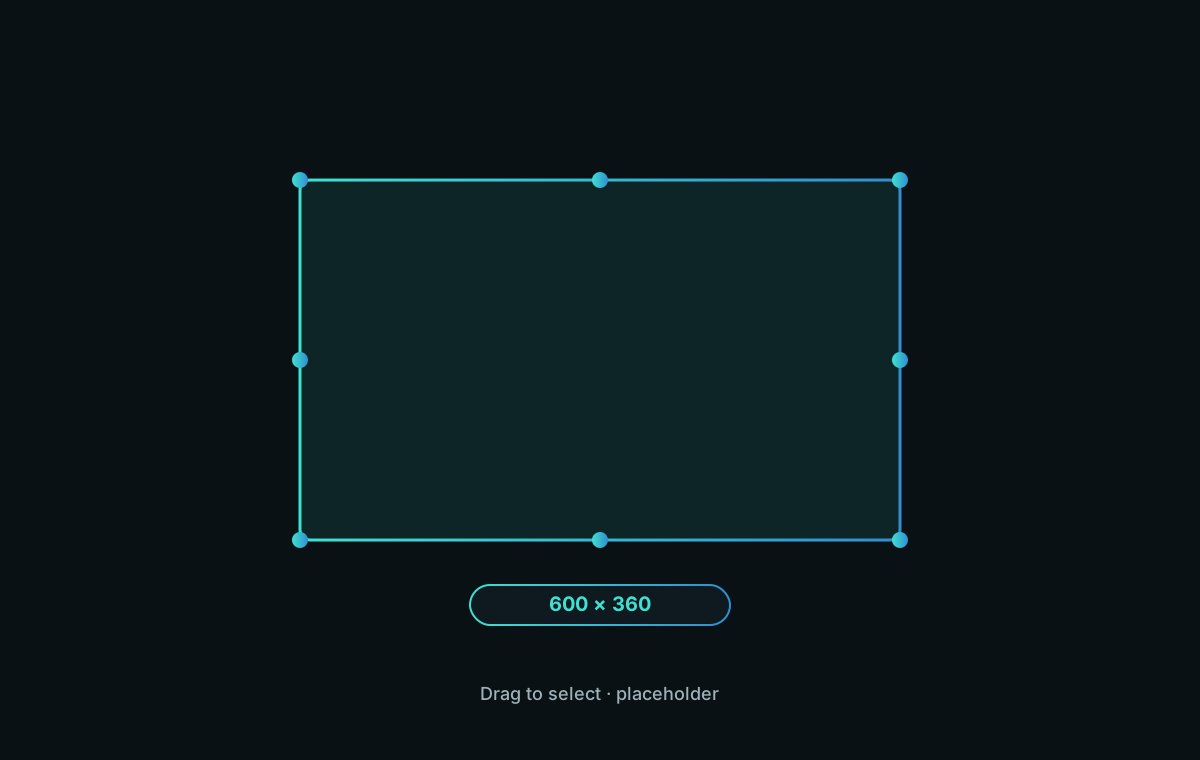
Draw the exact area you want to share
Drag any rectangle, or snap to a preset resolution. Resize and reposition it live while you mirror.
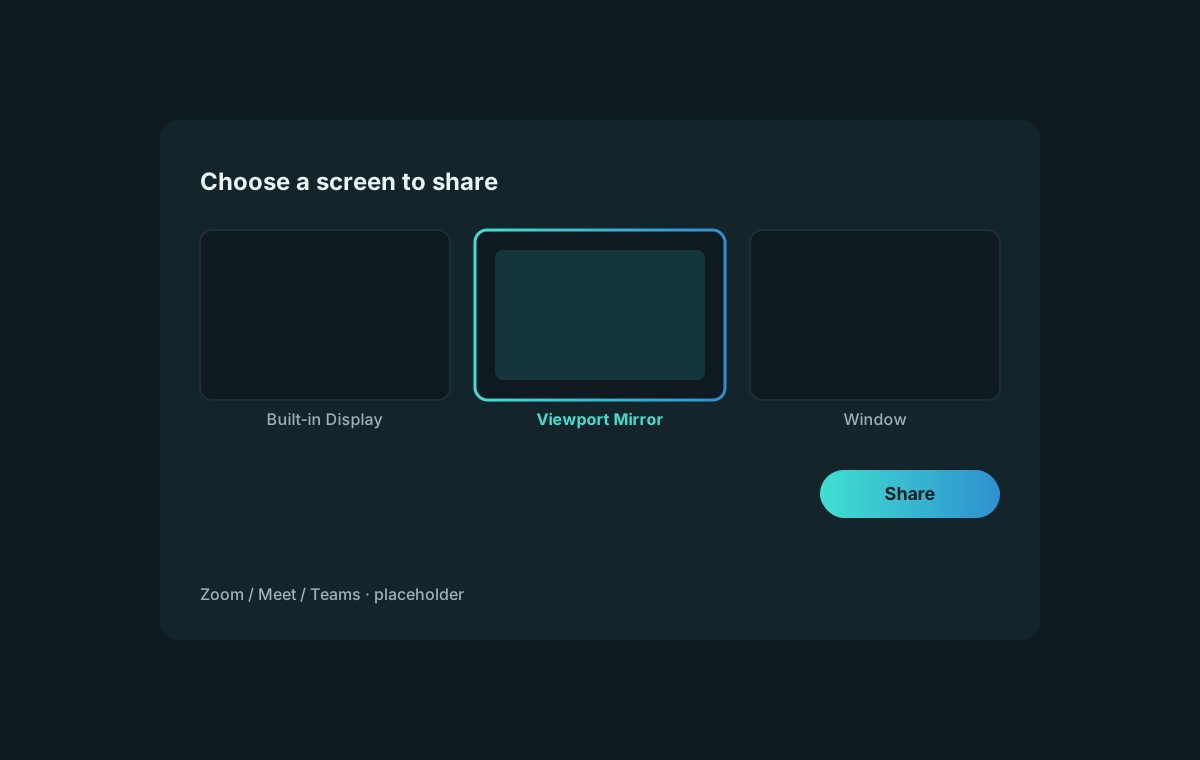
Meeting apps see it like a monitor
Because Viewport publishes a true virtual display, meeting apps see “Viewport Mirror” in their screen picker — no switching which windows you share, no full-desktop oversharing.
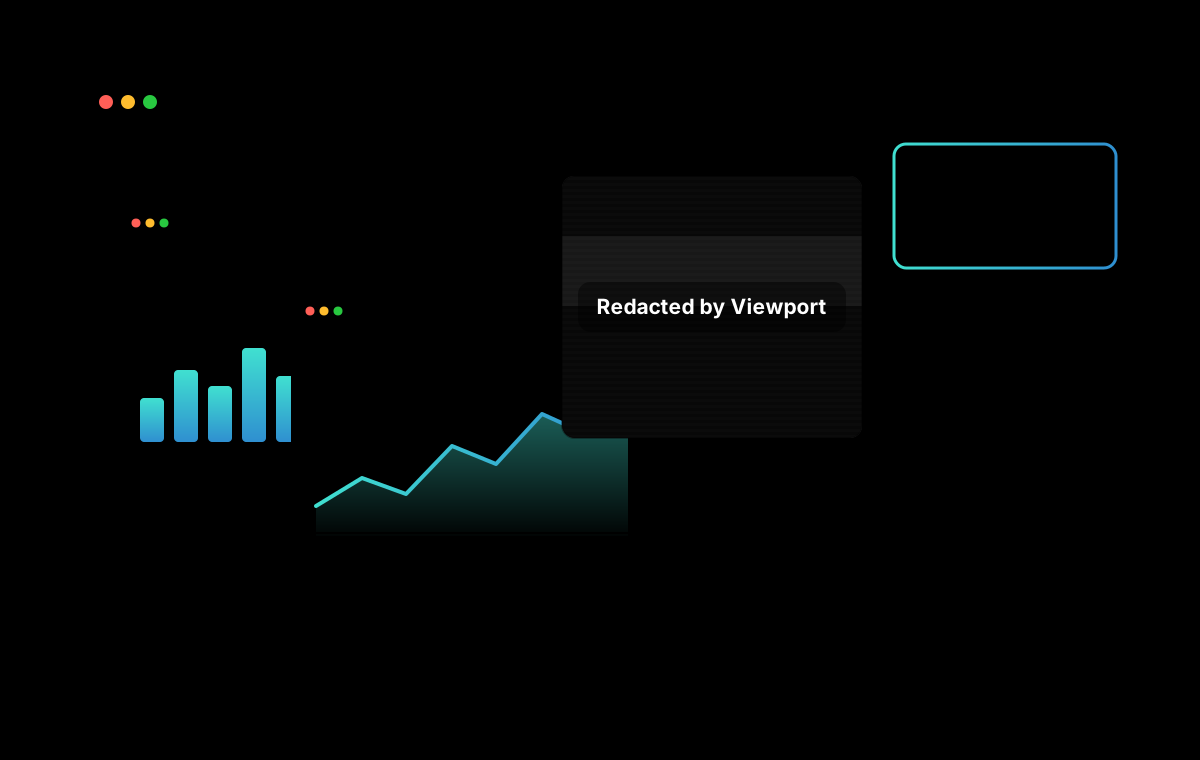
Redacts apps you don’t want to share
Automatically blurs apps like Password Managers, Chats, and Email. You can add or remove apps from the list anytime, or temporarily disable redaction.
Mirroring in three steps
Pick a region
Draw a custom area or choose a preset resolution from the menu bar.
Share the display
In Zoom, Meet, or Teams, choose “Viewport Mirror” from the screen picker.
Present!
Adjust the outline anytime, live in the meeting. Stop mirroring when you're done.